 Case study · TigerSoup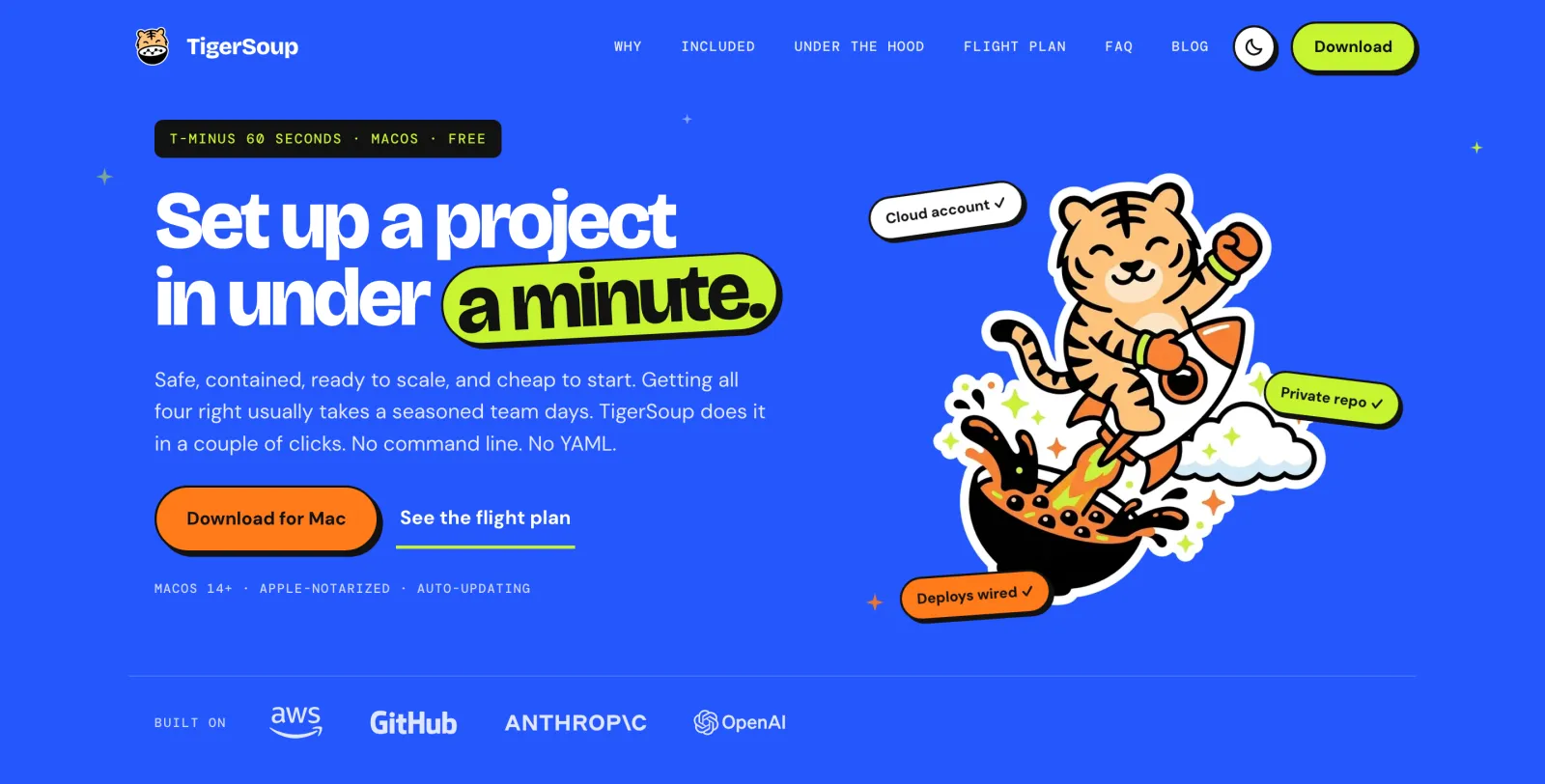
At a glance
| Role | Sole engineer and product owner |
| Period | June 2026 to today, about 215 commits across 4 repositories |
| Product | Native macOS app (macOS 14+), free, no account with TigerSoup needed |
| Stack | Swift and SwiftUI, AWS SDK for Swift, AWS CDK (TypeScript), Lambda, API Gateway, DynamoDB, S3, CloudFront, Astro |
| Integrations | AWS Organizations and IAM Identity Center, GitHub OAuth device flow and REST API, Claude Code, Codex, Gemini CLI |
| Scale | 7,750 lines of Swift, 215 tests, 4 CDK stacks, 12 blog articles |
Delivery
TigerSoup ships continuously. The Mac app is on build 59, signed, notarized and delivered to users through Sparkle auto-update from releases.tigersoup.com. tigersoup.com is live with a one-click download and 12 articles.
Measurement was built in from the start. The app reports setup steps and outcomes to a telemetry endpoint, and a local BackOffice dashboard shows users, projects, setup success rate and where setups fail, so every release can be judged on the funnel from install to first project.
The product
Every new project needs the same foundation before real code: an isolated cloud account, dev split from prod, access policies, keyless deploys, and a scaffolded repo. A seasoned team spends days on it, and most solo setups quietly skip a step. With AI agents writing a new project every week, that tax is paid more often, and the cost of an agent touching production rises.
I had automated this for myself in kickoff.sh, a 797-line Bash script. TigerSoup turns it into a five-step wizard: sign in, name the project, press Create, and open it in your coding agent.
- Connect AWS and GitHub. It detects existing
~/.awsprofiles, or signs in through IAM Identity Center or a dedicatedtigersoup-adminuser, and checks whether the account can manage an Organization. GitHub uses the OAuth device flow. Both are saved in the Keychain. - Set up tools. It detects and installs what is missing (Homebrew, git, AWS CLI, Claude Code, Codex) and offers LobsterOne for usage tracking.
- Describe the project. Each field is validated as you type, a live preview lists what will be created, and the app checks that the repo name and AWS account are free.
- Create. It creates the AWS account through Organizations (one by default, dev and prod behind an Advanced toggle), the private repo, OIDC providers and deploy roles, then writes the scaffold and pushes the first commit.
- Build. A confetti screen offers Claude Code, Codex, Gemini CLI or a terminal, and opens Terminal in the project with that agent running.
The scaffold is where the guardrails live. It writes CLAUDE.md and AGENTS.md describing the layout and rules, a deploy.yml that deploys from GitHub Actions on short-lived OIDC tokens, and an aws-safe wrapper with use-dev / use-prod switches so an agent cannot deploy to production by accident. Users who lack an Organization can place the project in their existing account instead; roles are then prefixed and tagged per project.
Projects can also publish a site at <name>.tigersoup.app without TigerSoup touching their traffic, through the subdomain service described below.
Architecture
The app calls AWS and GitHub directly from the Mac, with no aws or gh CLI and no TigerSoup server in the path, so the user's credentials never leave their machine. TigerSoup's own AWS account, defined in 4 CDK stacks, runs only what cannot live with the user: the release feed, the tigersoup.com site, an opt-in usage endpoint, and the subdomain service.
The subdomain service has no shared secret. A project's agent signs an STS GetCallerIdentity request bound to the slug and target, and the Lambda replays it to learn the caller's real AWS account. The first account to claim a slug owns it, up to 10 per account, and the service only ever writes two DNS records: traffic goes straight to the user's CloudFront.
Making it honest
A setup tool that says it succeeded when it didn't is worse than none, because the user finds out at the first deploy. I engineered every step to be real, recoverable and truthful.
| Problem | Fix |
|---|---|
| The early prototype ran on a mock engine, which could mask a missing sign-in | The mock is gone; the run fails visibly, and Done only shows when a real result is recorded |
| A failure in IAM work lost everything done before it | Project files and AWS profiles are written before per-account IAM work, so they survive a later failure and Retry resumes |
| A new account's access role takes minutes to become assumable, so configuration failed at random | Configuration retries for about 3 minutes; account creation times out after 20 minutes instead of polling forever |
| Access-key sign-in nudged people to use root keys | Sign-in creates a dedicated tigersoup-admin IAM user and profile instead |
Deploys were refused for repos on GitHub's immutable OIDC subject format (owner@id/name@id) | The repo creator returns owner and repo ids, and trust policies accept both subject forms |
The GitHub token could end up in .git/config or in error messages | Pushes pass the token per call and redact it from every error |
| Accounts outside an AWS Organization were turned away | "Use it as it is": projects share the signed-in account, with roles named and tagged per project |
The app is verified the way users see it: UI fixes are checked by rendering through live AppKit at 1x and 2x, which caught outline artefacts that 4x snapshot renders never showed.
Distribution and growth
Pricing. TigerSoup is free, with no TigerSoup account. Users pay AWS and GitHub directly, and nothing it creates costs anything until they run something. That is the pitch to a cautious first-timer, so the site's FAQ spells out the AWS Free Tier trade-offs plainly, including that Organizations moves accounts off the credit plan.
Shipping. Every merge to main builds, signs, notarizes and publishes the DMG and Sparkle appcast from a self-hosted Mac runner, so releases cost no GitHub macOS minutes. Updates install on launch by default and keep the user's choice.
Acquisition. An Astro site at tigersoup.com with a cobalt "mission control" look, mascot illustrations, dark mode, and 12 articles on topics like one AWS account per project, keyless deploys with OIDC, and keeping agents away from production. Sitemap, RSS, JSON-LD and llms.txt are generated at build. The app cross-sells LobsterOne, which shares its release and design conventions.
Outcomes
In four months, working alone, I turned an 800-line script into a signed, self-updating Mac app that sets up a production-grade project without a terminal. It ships continuously, with telemetry measuring every step from install to first project.
- Shipped: a five-step SwiftUI wizard with real AWS and GitHub provisioning, single-account and dev/prod modes, agent-ready scaffolds, a subdomain service, a release pipeline, a marketing site and a local analytics backoffice.
- Safe by default: no long-lived keys anywhere in a project, production gated from agents, credentials in the Keychain, and a backoffice that only listens on localhost.
- Honest: every step reports what really happened, partial work survives a failure, and Retry picks up where it stopped.
My lessons for anyone building a setup tool for the AI-agent era:
- Never fake success. A mock fallback hides exactly the failures users most need to see.
- The audience is wider than developers now. Plain-language questions ("Do you have an AWS Organization account?") and escape hatches matter more than options.
- Write the rules down for the agent.
CLAUDE.mdandAGENTS.mdare the cheapest guardrail there is, and they work from the first prompt.